Golf Pad Click comes with a clip so you can keep it within easy reach throughout your round - your phone can stay in your pocket.
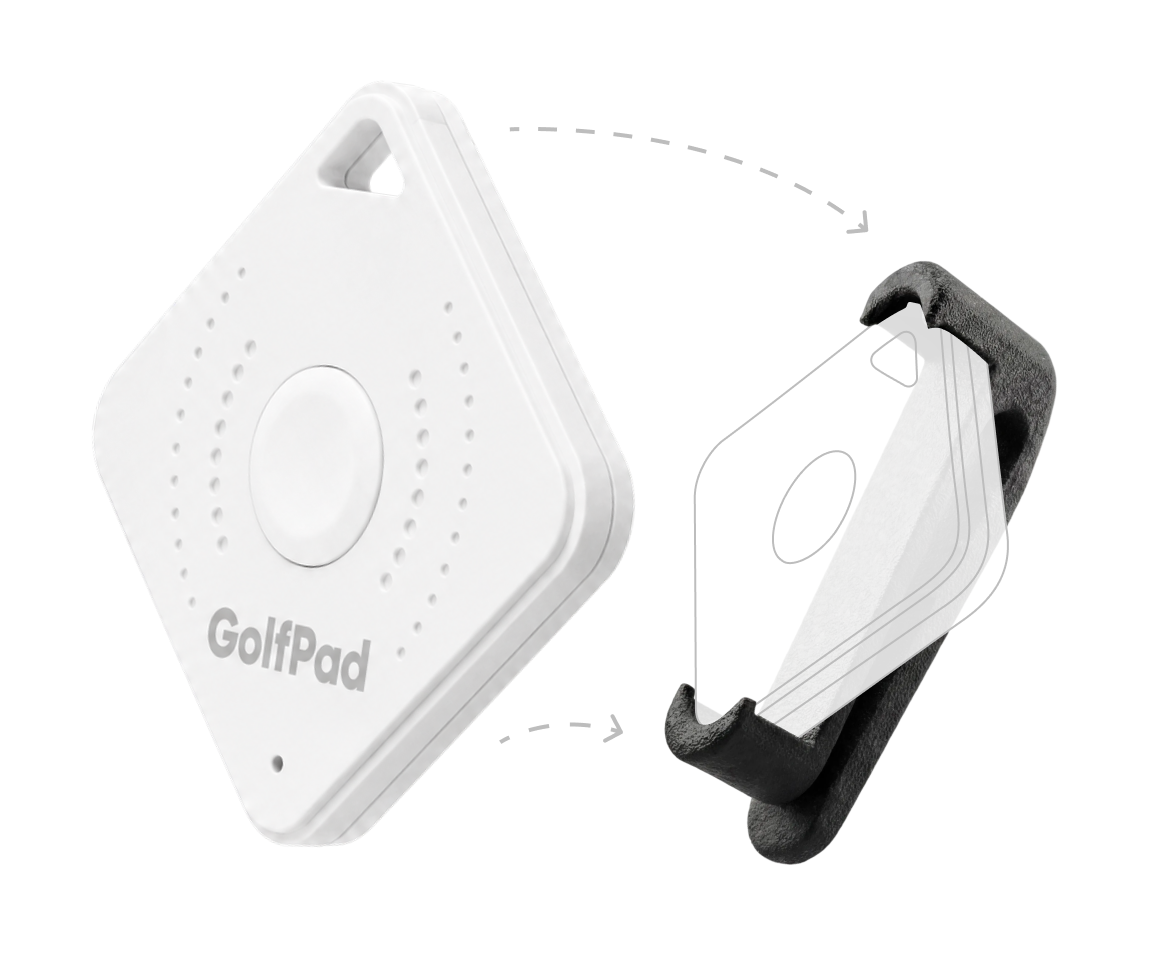
What's included
- Your Golf Pad Click - the white button device.
- A clip holster - the rubber clip your Click slides into.
Attaching your Click
- Slide your Golf Pad Click into the included clip holster until it's seated securely.
- Clip it onto your belt, waistband, pocket, or bag - wherever the button is easy to reach.
- Prefer a lanyard? Use the lanyard hole in the top corner of the Click to attach a lanyard or keyring.
On the course
Position the Click where you can comfortably reach the button. A single or double press triggers your assigned action - hear your distances, get AI Caddie Advice, or track your shots - all announced through your connected audio device, without taking your phone out.
Need to set up what each press does? See Customizing Your Golf Pad Click Button Actions.
Was this article helpful?
That’s Great!
Thank you for your feedback
Sorry! We couldn't be helpful
Thank you for your feedback
Feedback sent
We appreciate your effort and will try to fix the article