Golf Pad Click has two button gestures - single click and double click - and you can assign a different action to each one based on how you play.
Set your actions
- Open Preferences > Golf Pad Click.
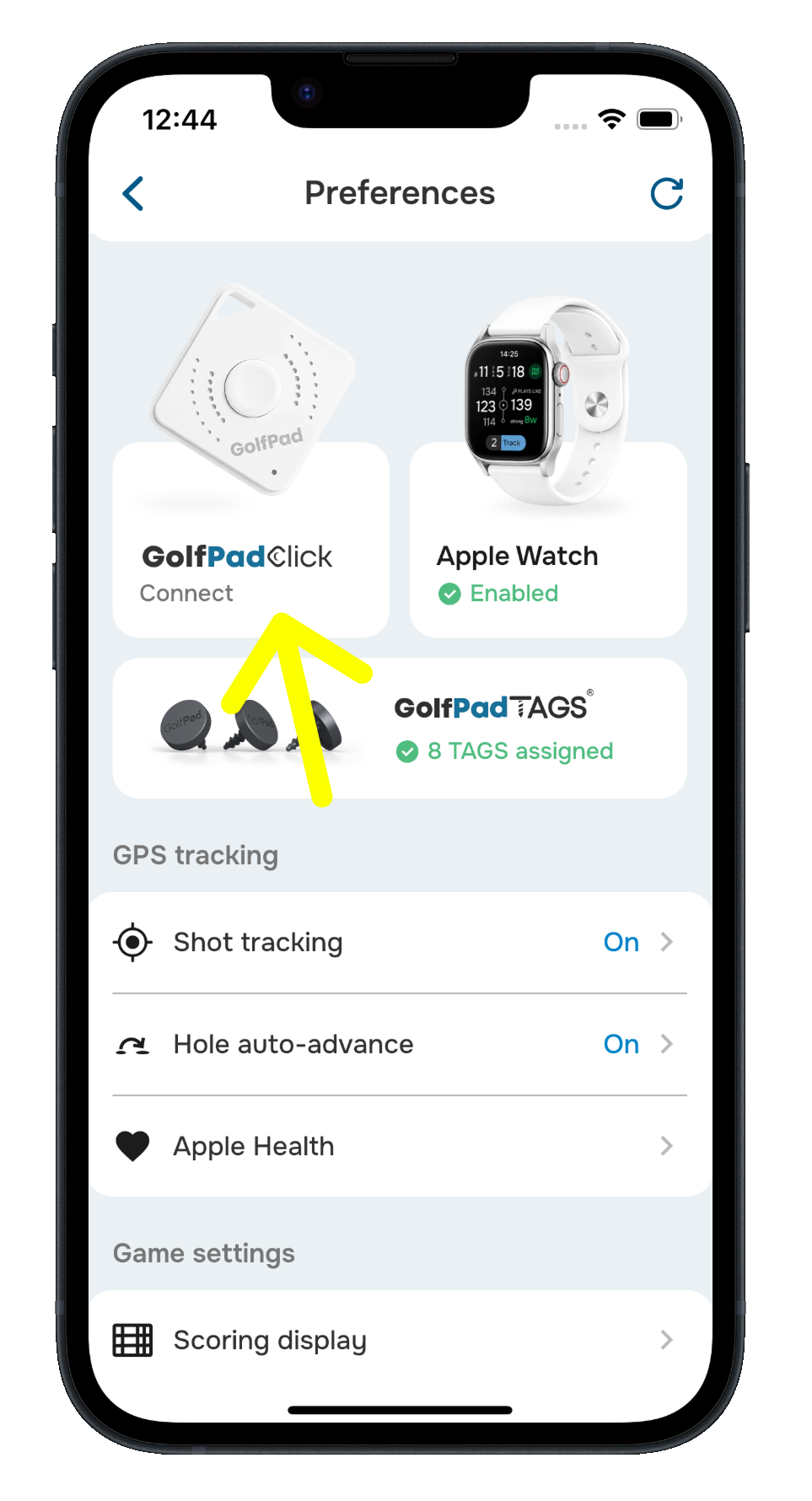
- Tap Single click and choose your preferred action.
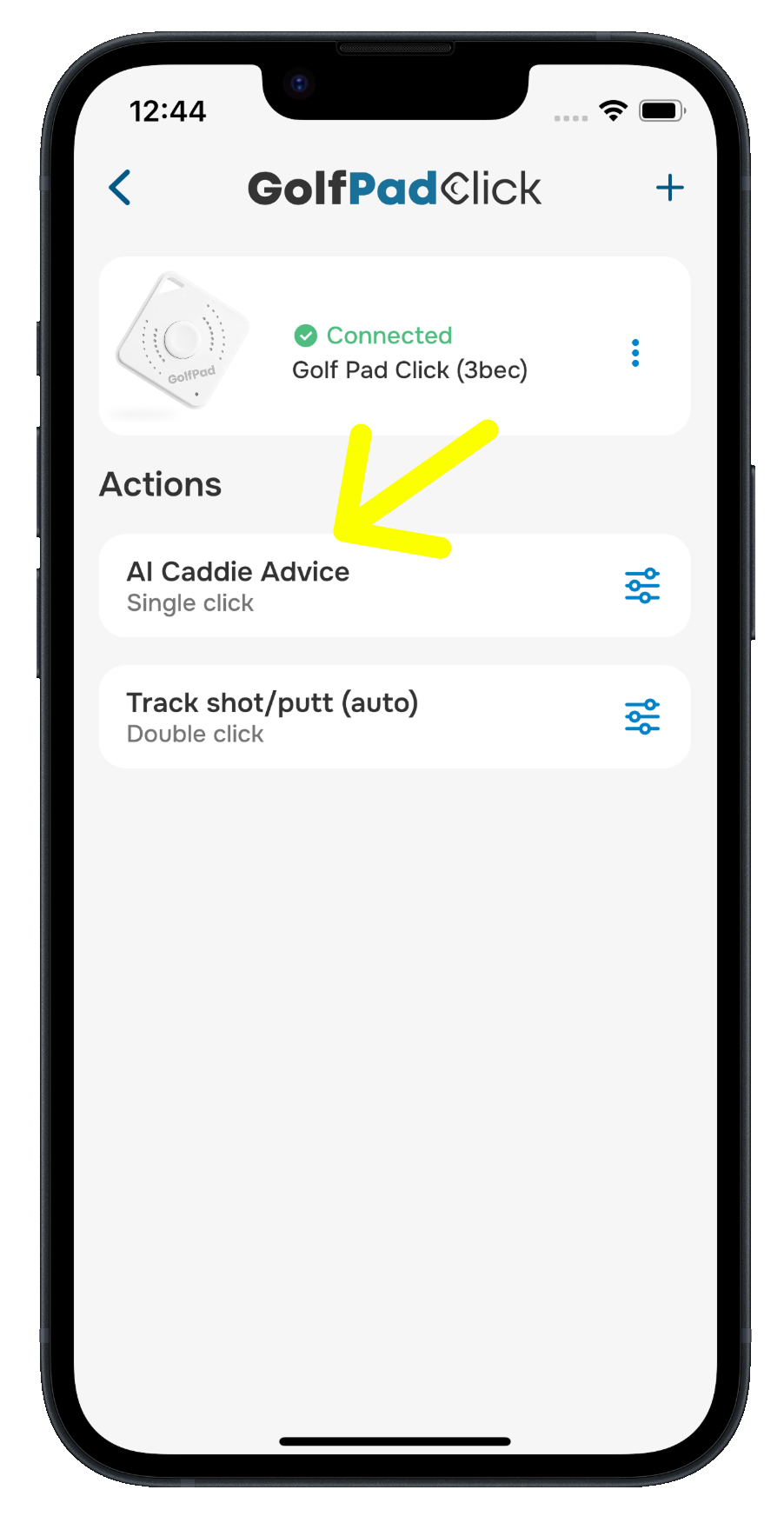
- Tap Double click and choose your preferred action.
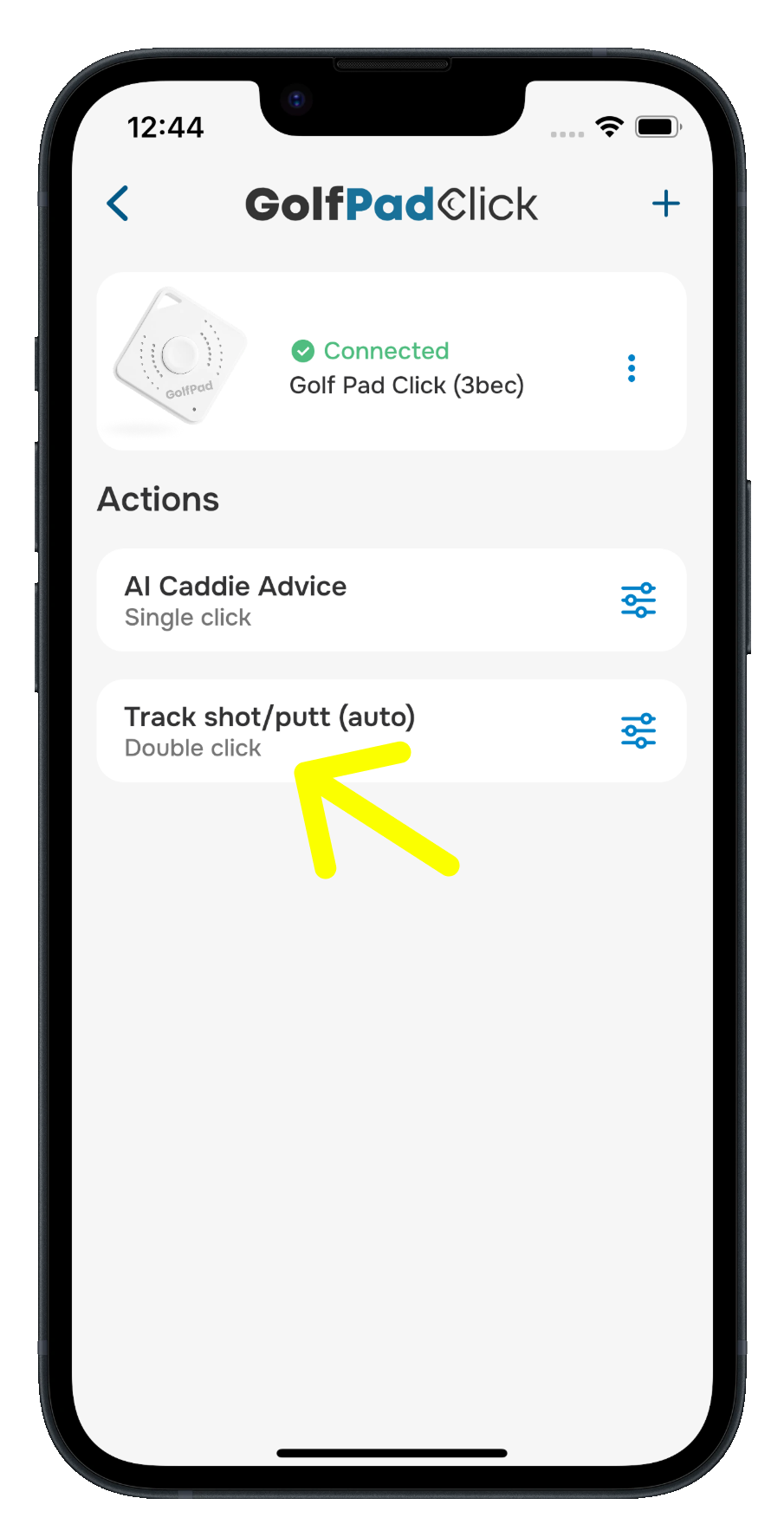
- Your choices are saved and ready for your next round.
When you press the button, Golf Pad announces the result out loud through your connected audio device.
Available actions
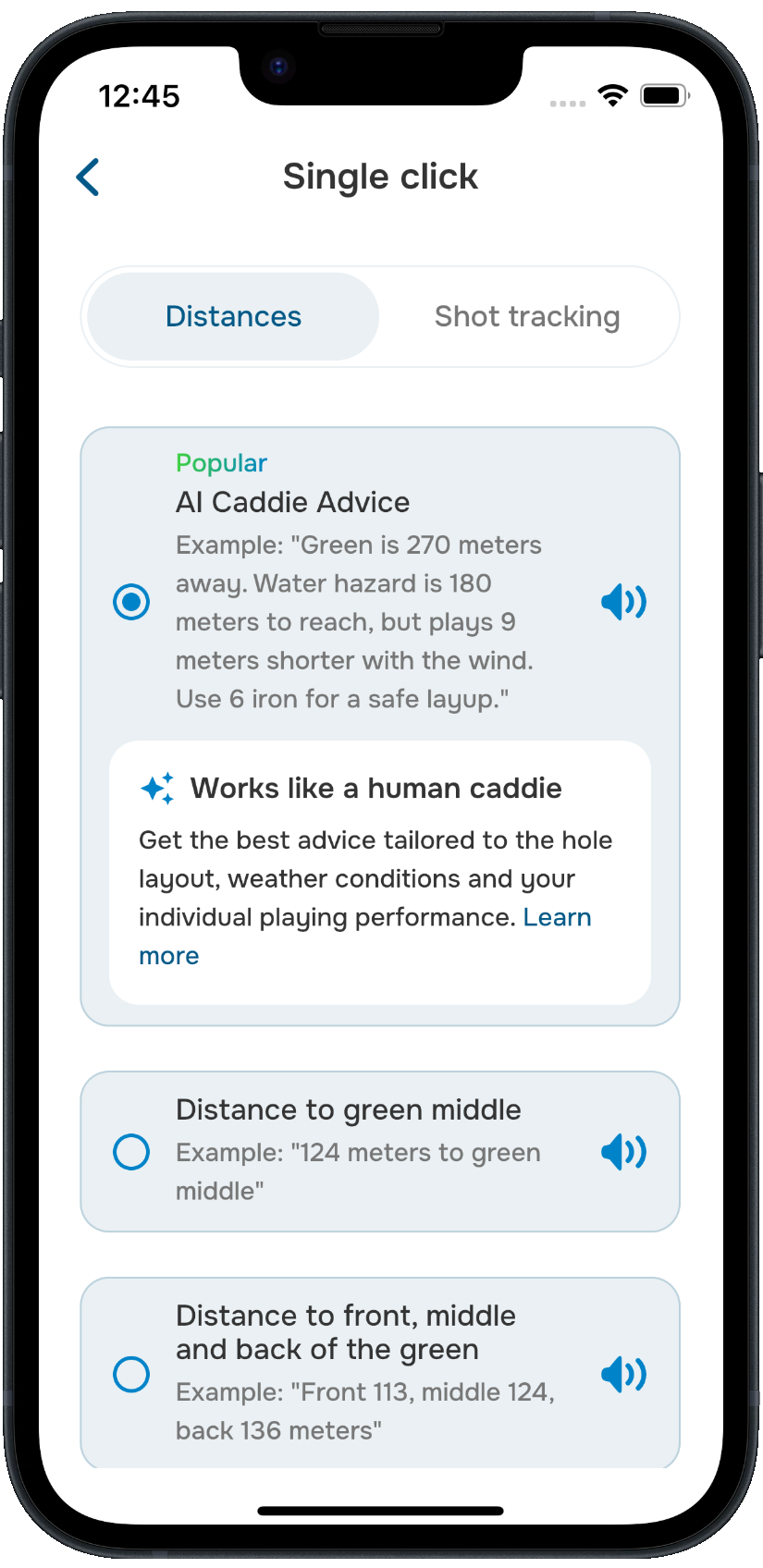
AI Caddie Advice (the popular choice) - works like a human caddie, giving you advice tailored to the hole layout, weather conditions, and your individual playing performance.
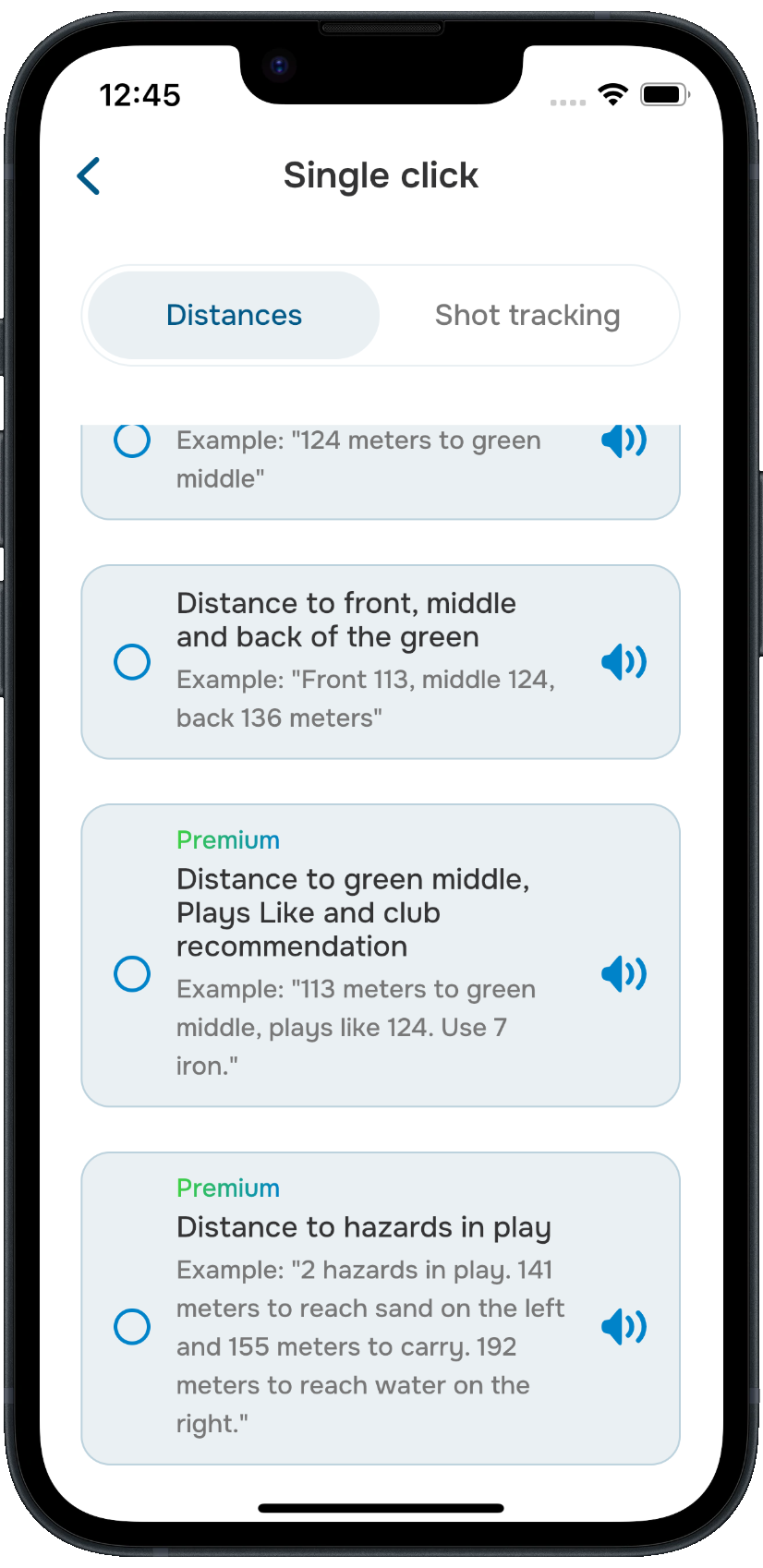
Distances:
- Distance to green middle
- Distance to the front, middle, and back of the green
- Distance to green middle, Plays Like, and a club recommendation
- Distances to hazards in play
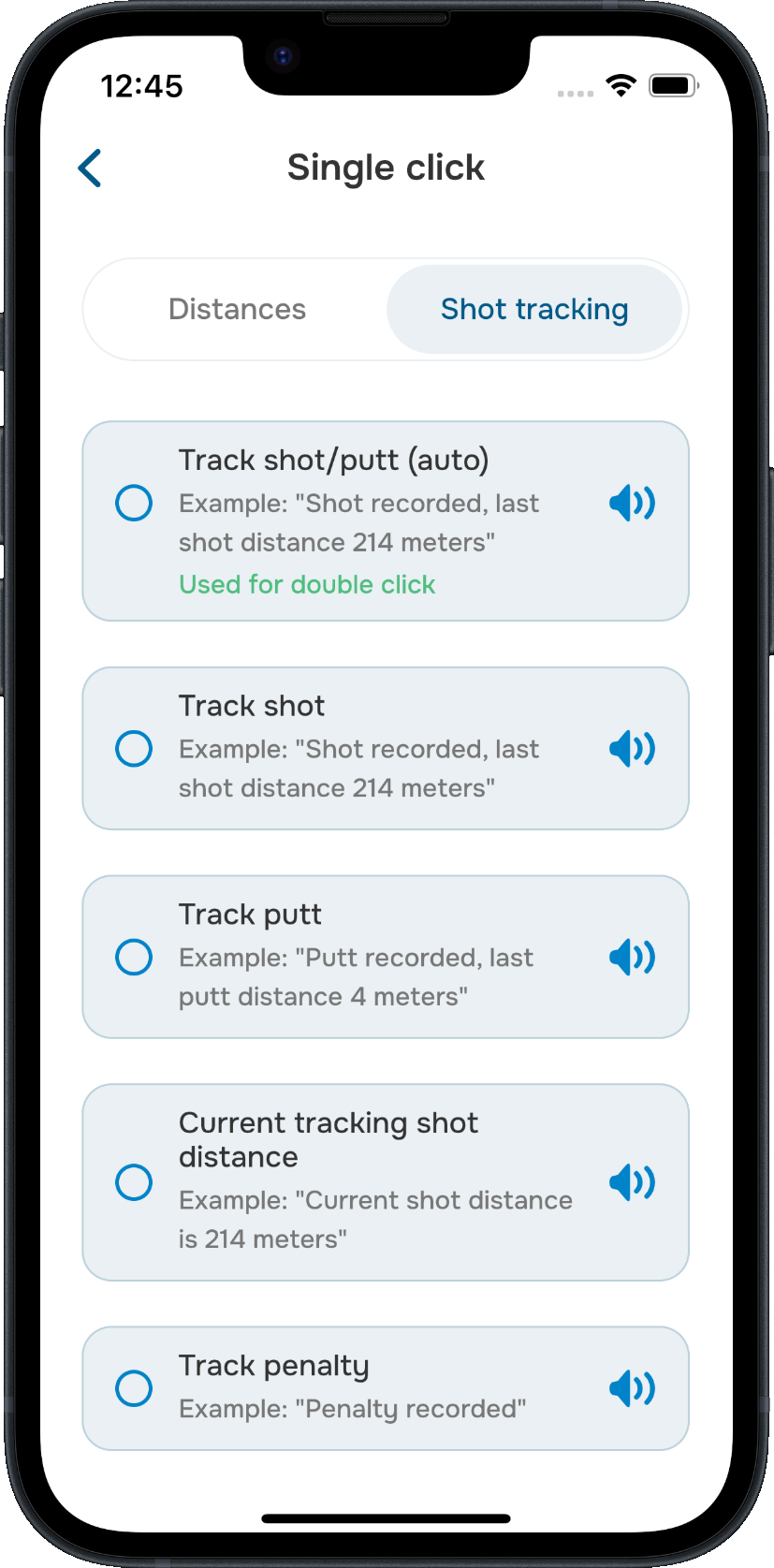
Shot tracking:
- Track shot
- Track putt
- Track shot/putt (automatic)
- Current tracking shot distance
- Track penalty
- Mark flag
Mark flag records the pin’s exact position when you’re near the green, so your distances play to the real flag.
A common setup is to assign AI Caddie Advice or a distance to single click, and shot tracking to double click - but you can mix and match however you like.
Was this article helpful?
That’s Great!
Thank you for your feedback
Sorry! We couldn't be helpful
Thank you for your feedback
Feedback sent
We appreciate your effort and will try to fix the article