The new advanced filters in Playing History make it easier to quickly find and organize past rounds. You can filter rounds by:
- Date
- Partners
- Course
- Holes played
Filter by date
Want to see rounds from a specific day, week, or time period? Tap the Date filter and select the range you want to view.
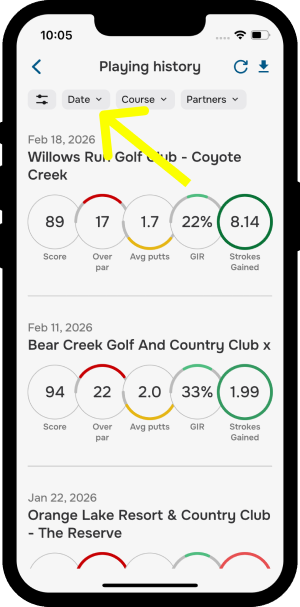
This makes it easier to track playing history without scrolling through everything.
Filter by course
Want to remember how you performed on a particular course? Tap the Course filter and select the course you want.
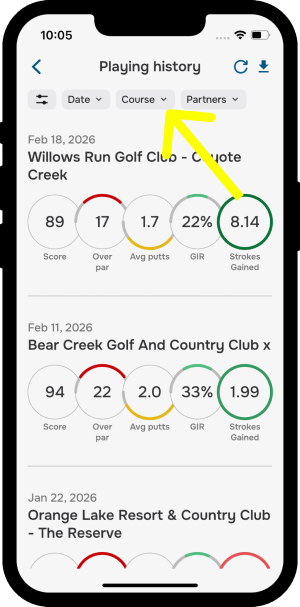
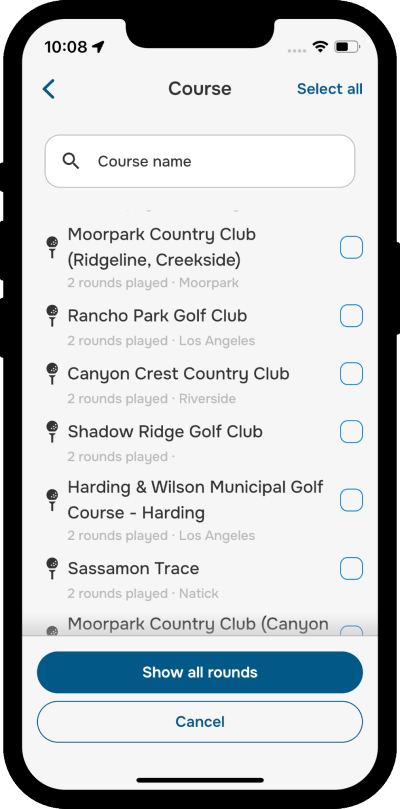
This is a quick way to review past performance and compare rounds at the same location.
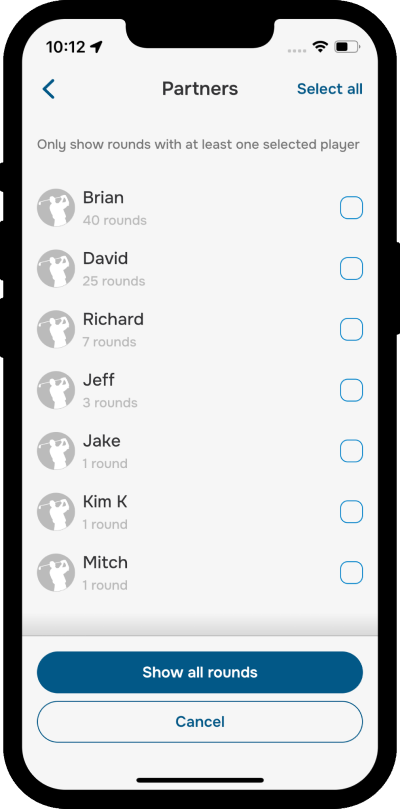
Filter by playing partners
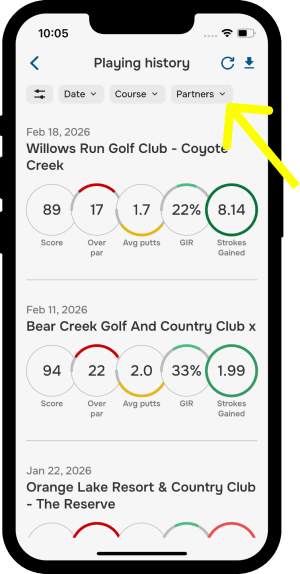
You can also search rounds by playing partners. Tap the Partners filter and select the golfers whose rounds you want to view.
Filter by holes played
Want to see only your full rounds, or just your 9-hole outings? Tap the Holes Played filter and choose 9 holes, 18 holes, or Any.
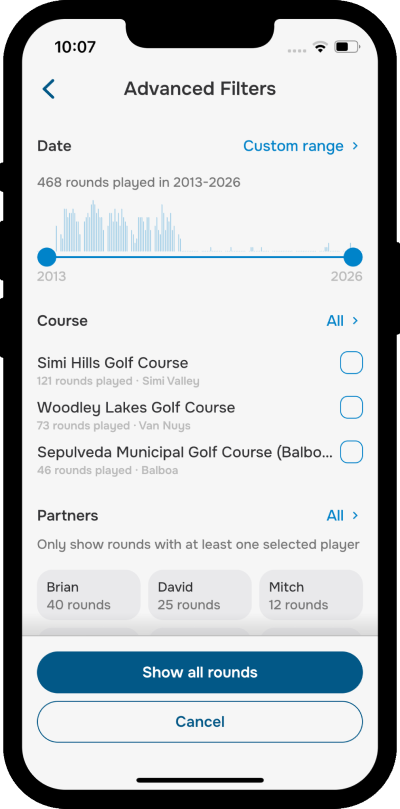
Advanced filtering
Tap the Filters icon to open all available filters and combine them for a faster, more personalized search experience.
Was this article helpful?
That’s Great!
Thank you for your feedback
Sorry! We couldn't be helpful
Thank you for your feedback
Feedback sent
We appreciate your effort and will try to fix the article